Never run out of your best sellers: low-stock levels that work
An empty shelf sends customers to your competitor. Set reorder levels once, and BIZBEAT shows exactly what to buy before it runs out.
Read the article
Sooner or later every business finds that the shelf and the book disagree. A carton was damaged in the rain. A few packets were given as samples. Something was sold and never written down. Or something walked out of the door.
The worst thing you can do is quietly type the "right" number over the old one. The mismatch disappears, and so does any chance of finding out why.
In BIZBEAT nobody can type over a stock number. Stock changes only through:
So when the count is wrong, you fix it with an adjustment, and the reason stays on record.
| Reason | Example |
|---|---|
| Damaged | "2 bottles broken in transit" |
| Expired | "6 packs past expiry, returned to bin" |
| Sample / gift | "1 carton sample to Al-Noor Store" |
| Count correction | "Physical count 48, system 52" |
After a few months, these reasons show a pattern. If "count correction" keeps appearing on the same product in the same store, you've found a leak.
Stock adjustments are powerful, so give that permission only to people you trust. In Users & Roles you decide who can view, add or cancel adjustments. Every adjustment records who made it and when. See roles and permissions.
Once the count is done and your accountant has checked it, set a period lock up to that date. Nobody can then go back and change those numbers. Read closing the month like an accountant.
No, and that's on purpose. Use a stock adjustment with a reason, so every change can be traced later.
Yes. Removing damaged or missing stock reduces your stock value at its average cost, so the Stock Report shows the real position.
Yes. Adjustments are listed with date, product, store, quantity, reason and the user who made them.

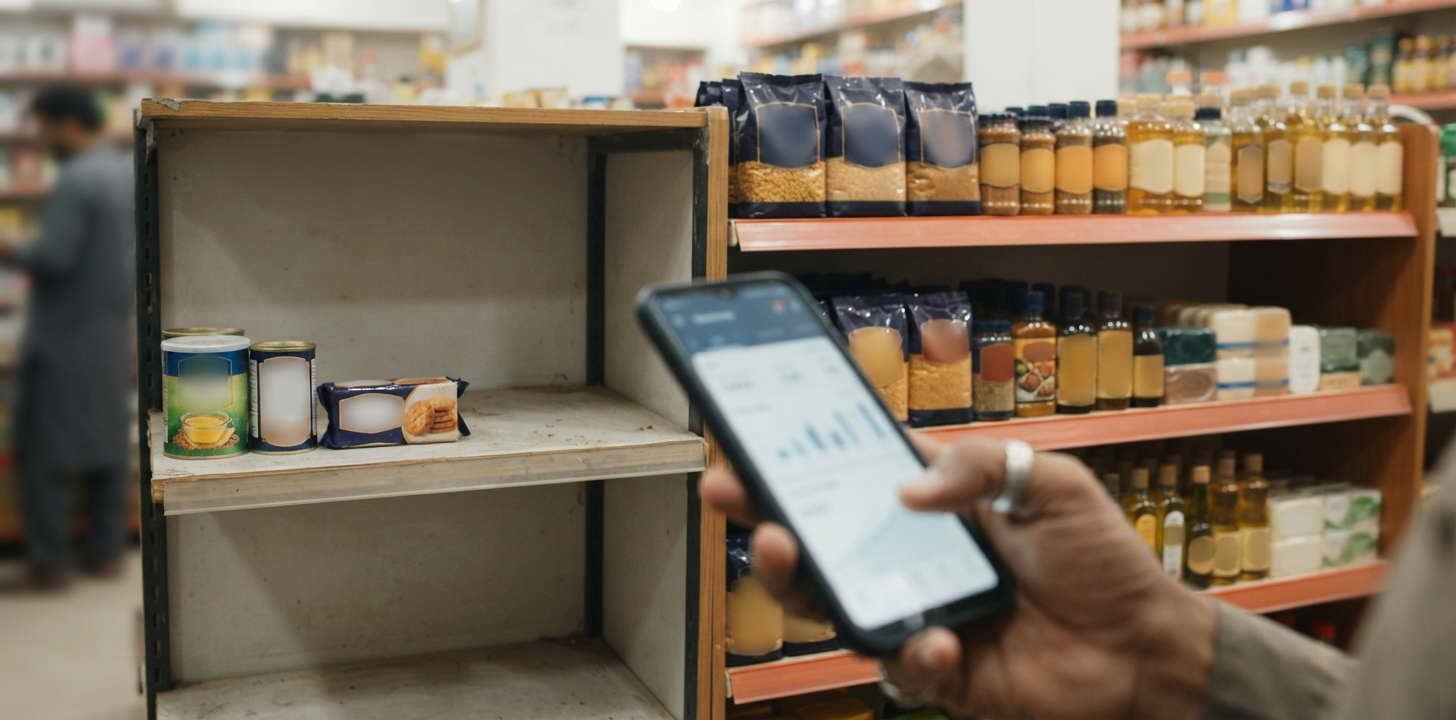
An empty shelf sends customers to your competitor. Set reorder levels once, and BIZBEAT shows exactly what to buy before it runs out.
Read the article
Shop, godown, second branch. See how BIZBEAT keeps separate stock for each store, moves goods between them with transfers, and shows the total in one report.
Read the article
Wholesale buying and retail selling can break any stock register. Here's how units and packs keep BIZBEAT's count right to the last piece, with a real example.
Read the article