Stock count day: find and fix shortages without fudging numbers
The shelf says 48, the system says 52. Here's an honest way to count stock, record damage and shortages with reasons, and spot where stock really goes missing.
Read the article
A customer calls for 30 cartons of ghee. The shop shows 8. Is the rest in the godown? Someone has to go and check, or phone the chowkidar. Meanwhile the customer calls your competitor.
When stock lives in more than one place, one big number isn't enough. You need stock per place.
In BIZBEAT each place that holds stock is a store: the shop front, the main godown, a second branch, even a delivery van if you like. Each store has its own stock for every product.

Most sales happen in one place. Set it as the default store in Settings → Stock, and new invoices, cash sales and purchase orders start with it already selected. Staff can still pick another store when needed.
When you send 20 cartons from the godown to the shop, record a stock transfer:
No more "the godown count is short" with no explanation. Every move leaves a trail.
Your shop cashier doesn't need to sell from the godown. In Users & Roles you can limit staff to the stores they work in, so they only see and use those. See roles and permissions.
The Stock Report shows quantity and stock value per store, using your average cost. It's how you know how much money is sitting on each set of shelves, which is useful for insurance, bank loans or just planning purchases.
Add as many stores as your business really has: shops, godowns, branches.
Yes. The stock list and Stock Report show each store and the combined total.
Record a stock adjustment in that store with a reason, for example "water damage". See stock count day.
Yes. Staff can be limited to the stores they work in.


The shelf says 48, the system says 52. Here's an honest way to count stock, record damage and shortages with reasons, and spot where stock really goes missing.
Read the article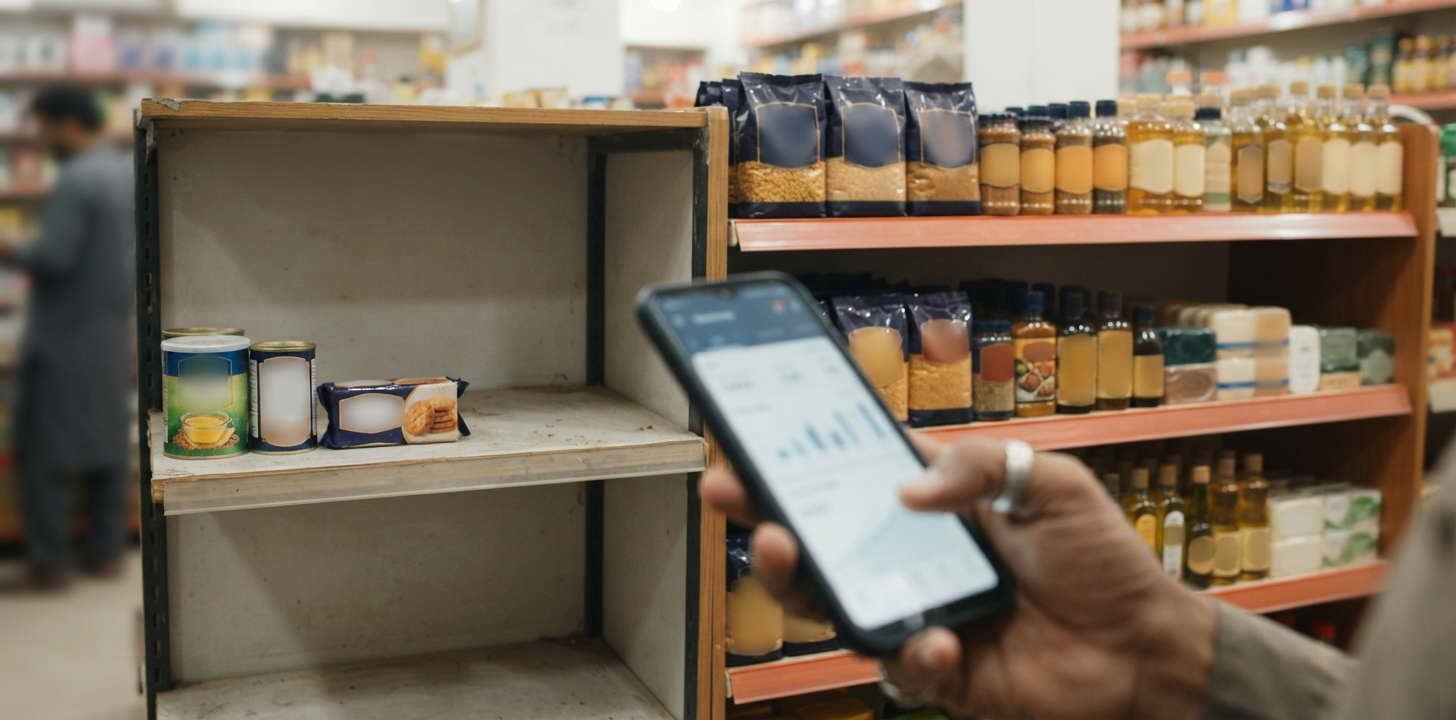
An empty shelf sends customers to your competitor. Set reorder levels once, and BIZBEAT shows exactly what to buy before it runs out.
Read the article
Wholesale buying and retail selling can break any stock register. Here's how units and packs keep BIZBEAT's count right to the last piece, with a real example.
Read the article