Stock count day: find and fix shortages without fudging numbers
The shelf says 48, the system says 52. Here's an honest way to count stock, record damage and shortages with reasons, and spot where stock really goes missing.
Read the article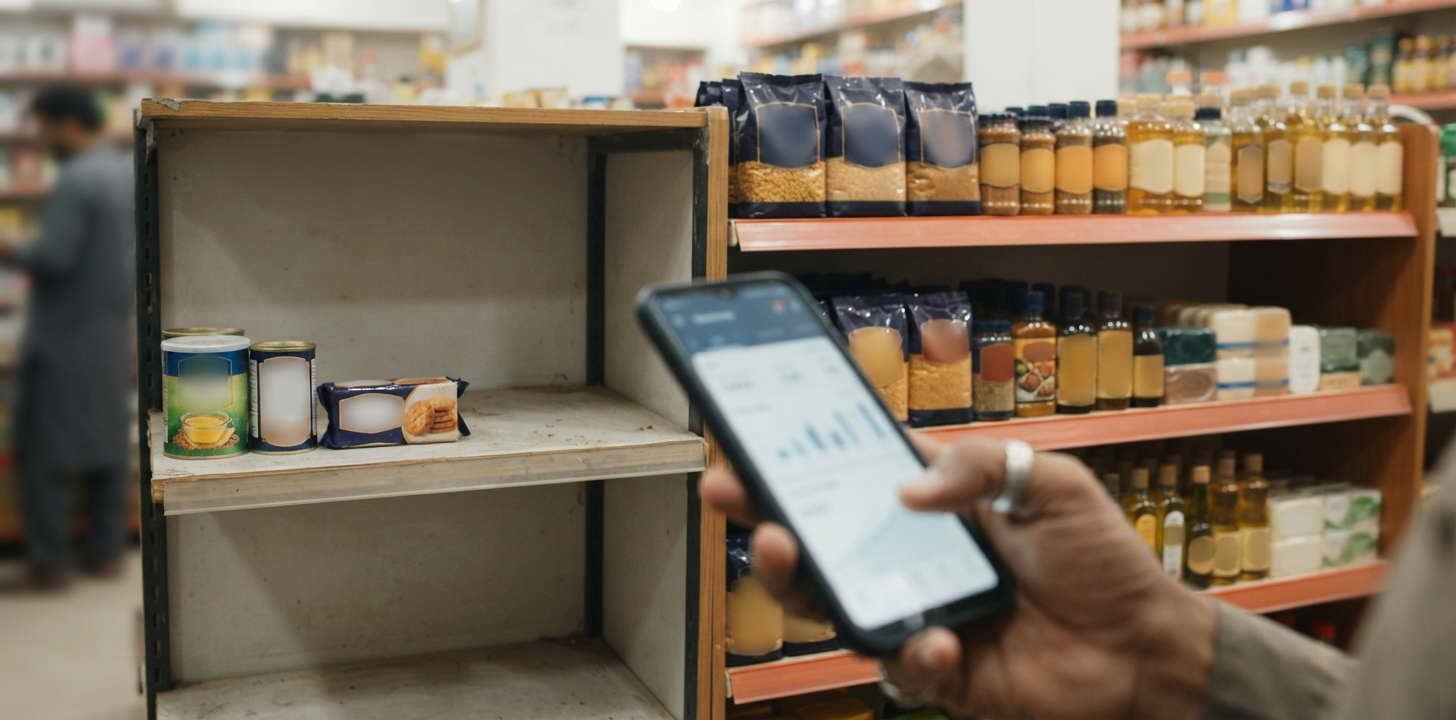
"Sorry, it's finished" might be the most expensive sentence in retail and wholesale. The customer doesn't wait. They buy it next door, and next time they may go there first.
Running out is rarely bad luck. It's usually because nobody noticed the stock getting low until it was gone.
Every product in BIZBEAT can have a reorder level: the quantity at which you want to start buying again.
| Product | Sells per week | Supplier takes | Reorder level |
|---|---|---|---|
| Cooking oil 5 L | 30 bottles | 3 days | 20 bottles |
| Basmati rice 5 kg | 15 bags | 1 week | 18 bags |
| Tea 950 g | 60 packs | 2 days | 24 packs |
A simple rule: what you sell while you wait for the supplier, plus a little extra.
Setting a level for 800 products takes time. You don't have to. In Settings → Stock set a business-wide low-stock level, for example 10. Products without their own reorder level use it. Products that matter most get their own level; the rest are still covered.
Turn that list into a purchase order, send it to your supplier, and the shelf never goes empty.
Sometimes stock is on the way and a customer is waiting. In Settings → Stock you can allow selling below zero if your business works that way, with a clear warning. Most businesses keep it off: it forces purchases to be entered on time, and your stock stays honest.
After a month, running out becomes rare.
No. Set one business-wide low-stock level in Settings, and give your own level only to products that need it.
The stock list shows quantities per store, so you can see which shop or godown is running low.
Yes, by default. You can allow selling below zero in Settings → Stock if your business needs it.


The shelf says 48, the system says 52. Here's an honest way to count stock, record damage and shortages with reasons, and spot where stock really goes missing.
Read the article
Shop, godown, second branch. See how BIZBEAT keeps separate stock for each store, moves goods between them with transfers, and shows the total in one report.
Read the article
Wholesale buying and retail selling can break any stock register. Here's how units and packs keep BIZBEAT's count right to the last piece, with a real example.
Read the article